TallyLights Wirecast Controller Setup
December 06, 2022
Wirecast Installation (Windows)
- Use the included USB A-B cable to connect the TallyLights Controller to your computer.
- Download the Wirecast for Windows TallyLights Controller software .
- Install the software using the wizard.
Wirecast Installation (Mac)
- Use the included USB A-B cable to connect the TallyLights Controller to your computer.
- Download the Wirecast for Mac TallyLights Controller software.
- Install the software by dragging the Tally-Lights 1.0 application to the Applications folder.
Wirecast Configuration
- Launch Wirecast.
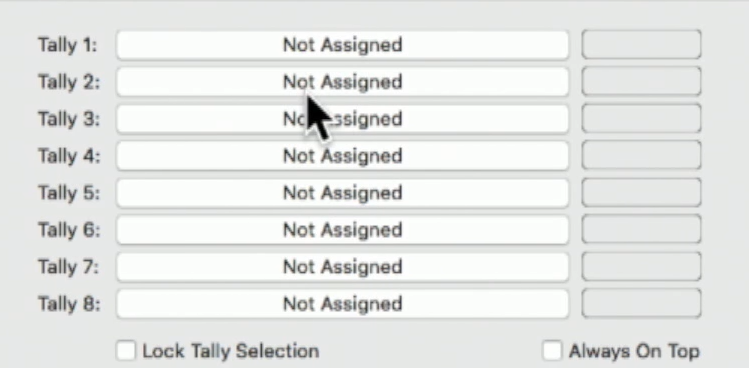
- Start up the Wirecast TallyLights Controller software.
- Use the configuration matrix to map the camera sources to the tally light output.
- The setup is complete. The emitters will now trigger when set to Program and Preview through Wirecast.