Are all the outputs of the G2 and the MOVE camera lines simultaneous?
August 10, 2023
For the G2 line of PTZOptics cameras , all video outputs are simultaneous, so the HDMI, SDI, and ethernet can all be used at once. Or on the USB models, the USB 3.0, the HDMI, and the ethernet all at once.
On the new MOVE 4K cameras , as well as the LINK 4K, The ethernet, USB, and EITHER HDMI or SDI, are simultaneous. So you have to choose between SDI or HDMI as an active output. You can toggle the active output with the IR remote or in the web GUI of the camera.
[*] > [*] > [F3]: Toggle the HDMI / SDI output
On the new MOVE SE cameras things are a bit different. There is a video outputs dropdown in the web gui under the audio and video tab that lets you select what outputs are active and what fps they can run at.
USB/IP/HDMI-SDI_30 fps - This mode allows all outputs to be active, but only at a max of 30 fps.
USB/IP - In this mode the USB outputs at a max of 30 fps and the ethernet outputs at a max of 60 fps, HDMI and SDI outputs are turned off.
USB/HDMI-SDI - In this mode the USB outputs at a max of 30 fps and the HDMI and SDI both output at a max of 60 fps, ethernet output is turned off.
HDMI-SDI/IP - In this mode, the HDMI, SDI, and ethernet all output at a max of 60 fps, USB output is turned off.
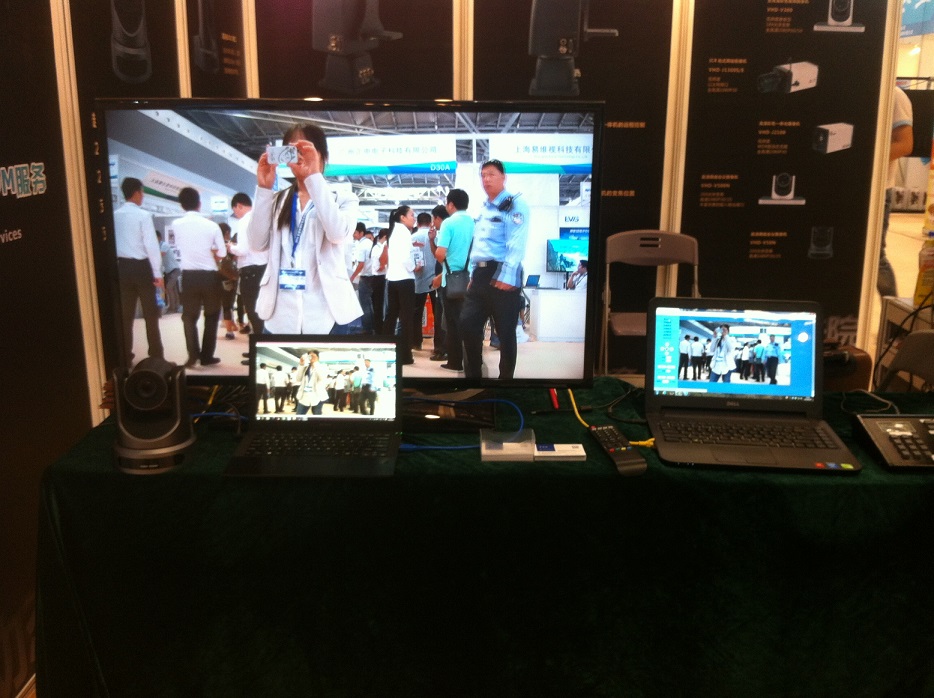
See the picture below for an example of the G2 camera pulling video via HDMI, USB, and ethernet at the same time.